
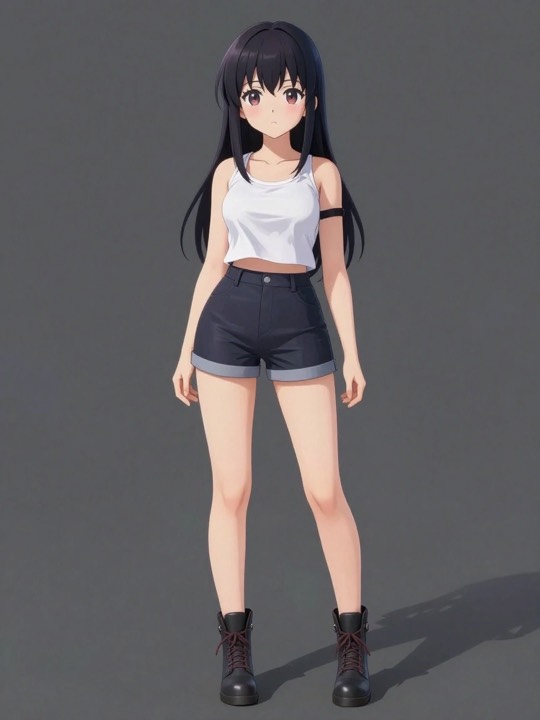
PixVerse · Motion Control · motion control
Motion Control · Mimic
Render Motion Control through the same SeeClip API job workflow — from $0.121 per render.
What it renders
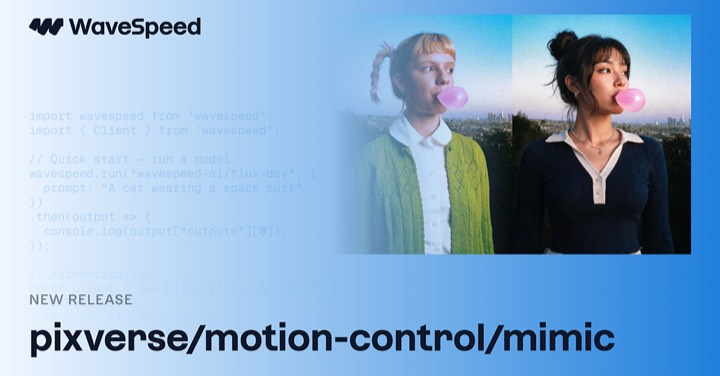
PixVerse Motion Control Mimic is a fast AI motion transfer model that transfers motion from a reference video onto a target image to create natural character animation from a still image… Hand over the model id and your shot settings, keep the job id, and collect the finished clip once the job lands. Pricing is per completed render from $0.121 and is locked in before the first frame is queued.
Motion-first defaults
Motion Control · Mimic opens on workable shot framing before you tune anything.
Async by design
Renders run as background jobs; poll at your own pace instead of holding a connection open.
Clip-ready output
Results arrive as a downloadable asset from private storage with a short-lived link.
Motion Control shots
Motion Control stays available for Motion Control · Mimic without leaving the video workspace.
Video shots
Video stays available for Motion Control · Mimic without leaving the video workspace.
PixVerse shots
PixVerse stays available for Motion Control · Mimic without leaving the video workspace.
From the shot board
Wire the render pipeline
Grab a key
Sign in, create a server-side key and add a little balance.
Confirm the endpoint
GET /v1/models lists pixverse/motion-control/mimic with its shot limits and current rate.
Queue the render
POST /v1/jobs with the model id, your shot settings and a unique Idempotency-Key.
Collect the clip
Poll GET /v1/jobs/{id} until it lands, then fetch GET /v1/jobs/{id}/content.
Queue the render
# SeeClip API — queue one render
curl https://seedanceapi.pro/v1/jobs \
  -H "Authorization: Bearer $SEECLIP_API_KEY" \
  -H "Idempotency-Key: $REQUEST_ID" \
  -H "Content-Type: application/json" \
  -d '{"model":"pixverse/motion-control/mimic","quality":"360p","prompt":"A slow dolly across a rain-lit neon street, shallow depth of field."}'
Shot settings
- imageneeded
- string
- qualityoptional
- string · 360p / 540p / 720p
- videoneeded
- string
Try a render from here
This queues a real job on this site's /v1/jobs using your signed-in balance, or an API key if you are not signed in. A pasted key lives only in this tab; the render is billed at the quoted USD rate.
Or sign in to use your account balance.
Before you wire it in
How do I start a Motion Control · Mimic render?
Authenticate, check the live model list for pixverse/motion-control/mimic, then POST the model id and shot settings to /v1/jobs with an Idempotency-Key. Poll the job id until it settles, then download the clip.
What can I control on Motion Control · Mimic?
Motion Control · Mimic accepts image, quality, video. Unknown keys are rejected before the render is queued, so a typo never burns a job.
What does a Motion Control · Mimic render cost?
Pricing is per render and starts at $0.121. The exact figure for your settings is returned by the model list and reserved before the job is accepted.
Is the same SeeClip API key valid for Motion Control · Mimic?
Yes — Motion Control · Mimic runs on the same SeeClip API account, key and wallet as every other model here. Each endpoint is enabled individually, so verify the route before you depend on it.
Why does my Motion Control · Mimic job show as queued?
Video rendering is asynchronous: queued and running are normal. Keep polling until the job succeeds, fails or asks for review, and never resubmit the same Idempotency-Key expecting a second render.